Capture the moment.
Keep the document.
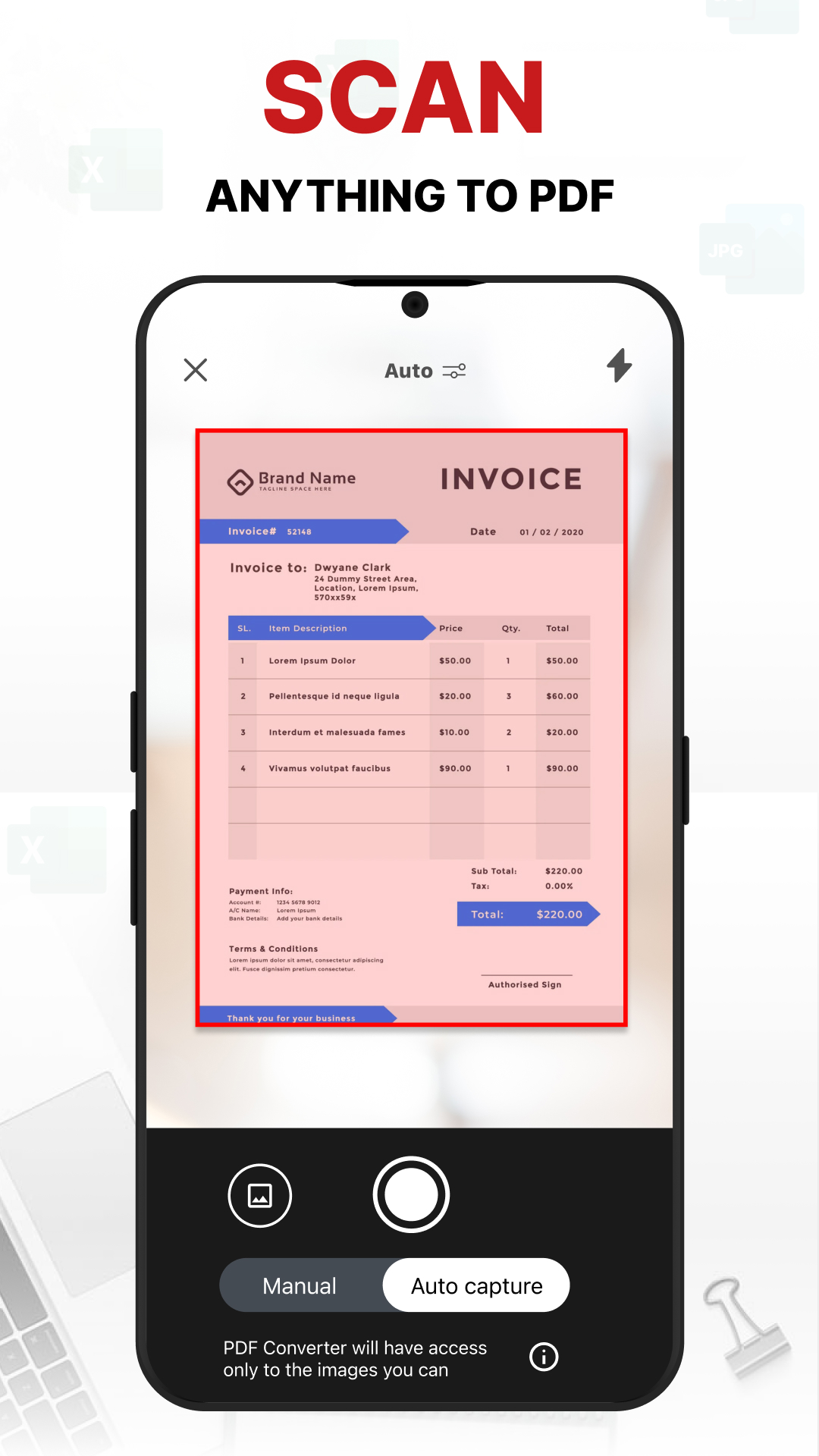
Scan receipts, handwritten notes and paperwork into PDF files.
Scan & create ↗
 PDF ConverterSCANNER & MAKER
YOUR EVERYDAY DOCUMENT TOOLKIT
The receipt. The assignment. The form that needs to be sent today. Bring it all together with PDF Converter.
Available for Android · In-app purchases
Your files.
More possibilities.
SMALL TASKS. SORTED.
Keep the essentials close, from capturing a document to getting it ready to share.
Scan receipts, handwritten notes and paperwork into PDF files.
Convert between PDF, images and supported office document formats.
Crop, rotate and arrange pages before saving or sharing.
A SIMPLE ROUTINE
Choose an image or document, or use the camera scanner.
Adjust the pages and choose the format you need.
Save the result, ready for your next task.
TAKE A CLOSER LOOK
Explore the actual Android app.
Explore the app. Swipe, drag or use the arrows.
PDF Converter brings scanning, file conversion and document organization together in one Android app.
The app includes tools for PDFs, images and office documents, including common document and image conversions.
Yes. The Google Play listing includes in-app purchases. Review pricing and available options in the app before purchasing.
You can read the developer’s privacy policy and the data safety information in Google Play.
YOUR NEXT DOCUMENT STARTS HERE
Scanner & Maker for Android